Is the text in your image readable?
Most automated accessibility checkers skip text baked into images: banners, screenshots, social cards, ads.
- Add an image
- Choose a level: AA (standard) or AAA (stricter)
- Get Pass, Fail, or Review per text region
Choose an image to check
PNG, JPG, or WebP · up to 4 MB
No image to hand? Try a sample image:
Drag an image hereChoose an image
or choose a file, or paste one with Ctrl + V
Banners, social cards, ads, screenshots, and photos with text in the pixels.
Add an image or pick a sample above, then check it.
Beta. TIA is still improving, so check important results by eye. Before you rely on a result
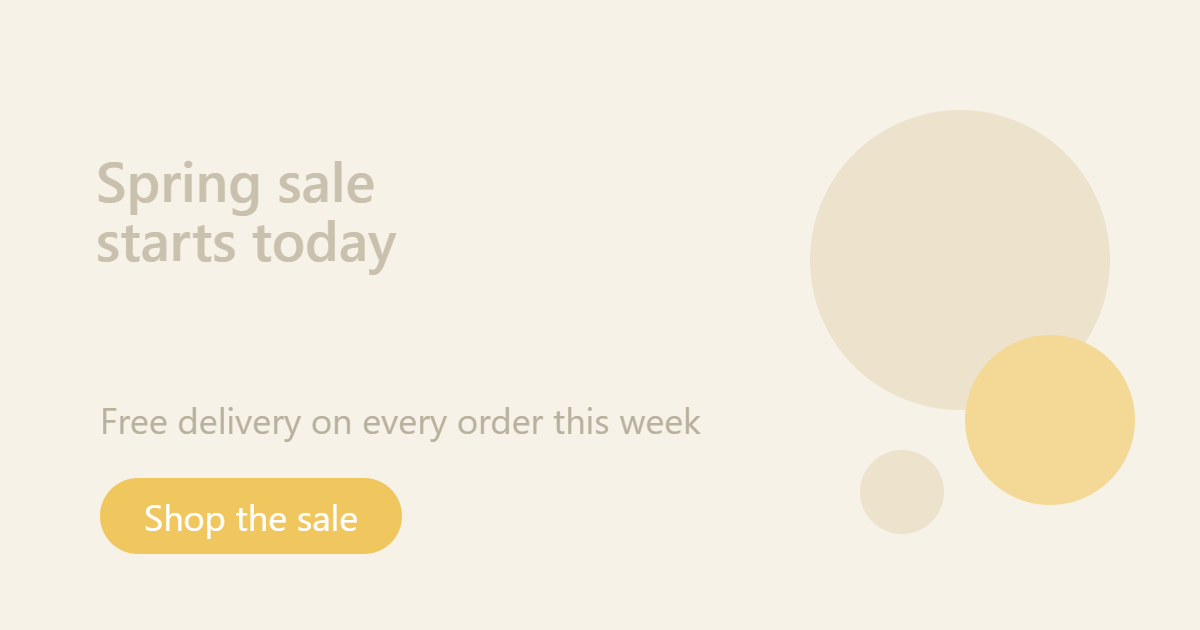
Fails WCAG AA
1.6:1
lowest text contrast; every line is below 3:1
Same layout, darker text
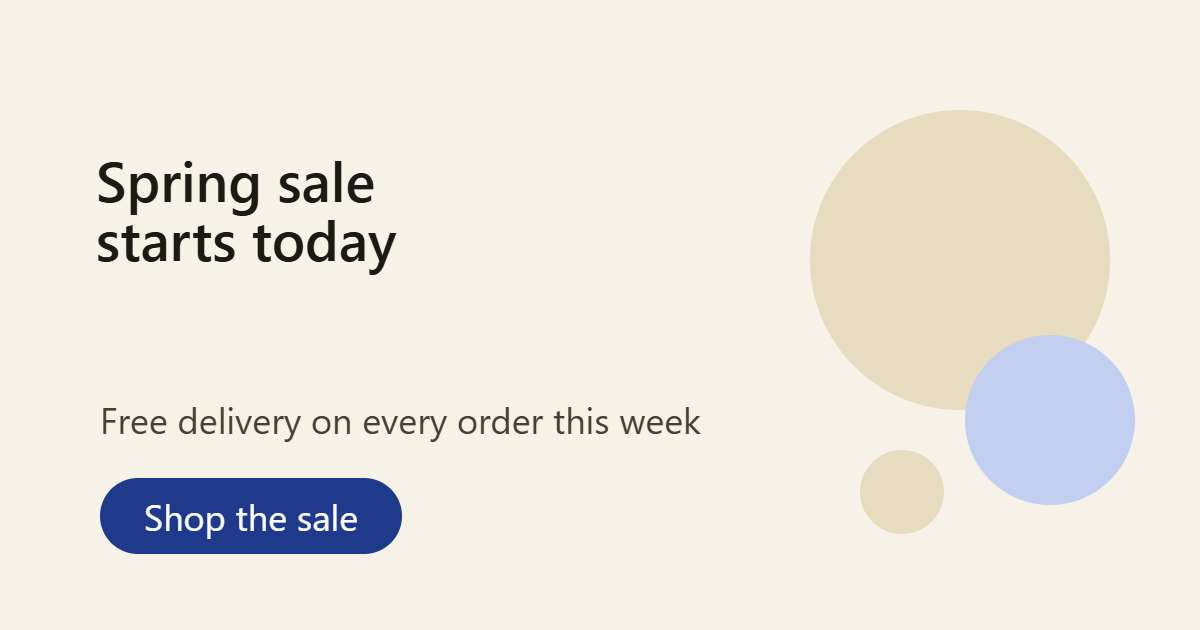
Meets WCAG AAA
9.3:1
lowest text contrast; every line is above 7:1
Illustrative: these ratios come from the colors each banner was drawn with, not from TIA, so TIA’s own numbers differ. What TIA reports for these banners
Before you rely on a result
- Busy photos: text over busy photo detail that is close to the required contrast is the hardest case. Check a Pass there by eye.
- Headings from 24 to about 33 px often get Review instead of Pass.
- Bold or heavy text can be wrongly marked Fail at about 1:1. If a heading with obviously strong contrast fails, check it by hand.
- Bold text touching a shape of a similar color, such as a dot, can be wrongly marked Pass. Check it by hand.
- Small or thin text on a busy background can be wrongly marked Pass if one letter sits on a patch close to its own color. Check it by hand.
- Non-Latin scripts such as Devanagari or Thai are untested. Expect more Review results.
Review means we could not certify the text either way. It is never a hidden Pass: check it by hand. Fail means the measured contrast is below the WCAG requirement. Pass means it met the requirement within these limits.